

The best online, privacy first face blur for videos and photos
Blur faces in photos & video privately, right in your browser.
Blur, pixelate or hide eyes, mouth or the whole face, in photos, your camera and video. Free, no sign-up, and your photos are never uploaded.
Open the editor →Drop photos here, or click to upload
JPG, PNG or WebP · free, no watermark
How it works
How to blur a face in a photo, in 3 steps.
Drag the handle on the example to compare original vs anonymized, then follow three simple steps.
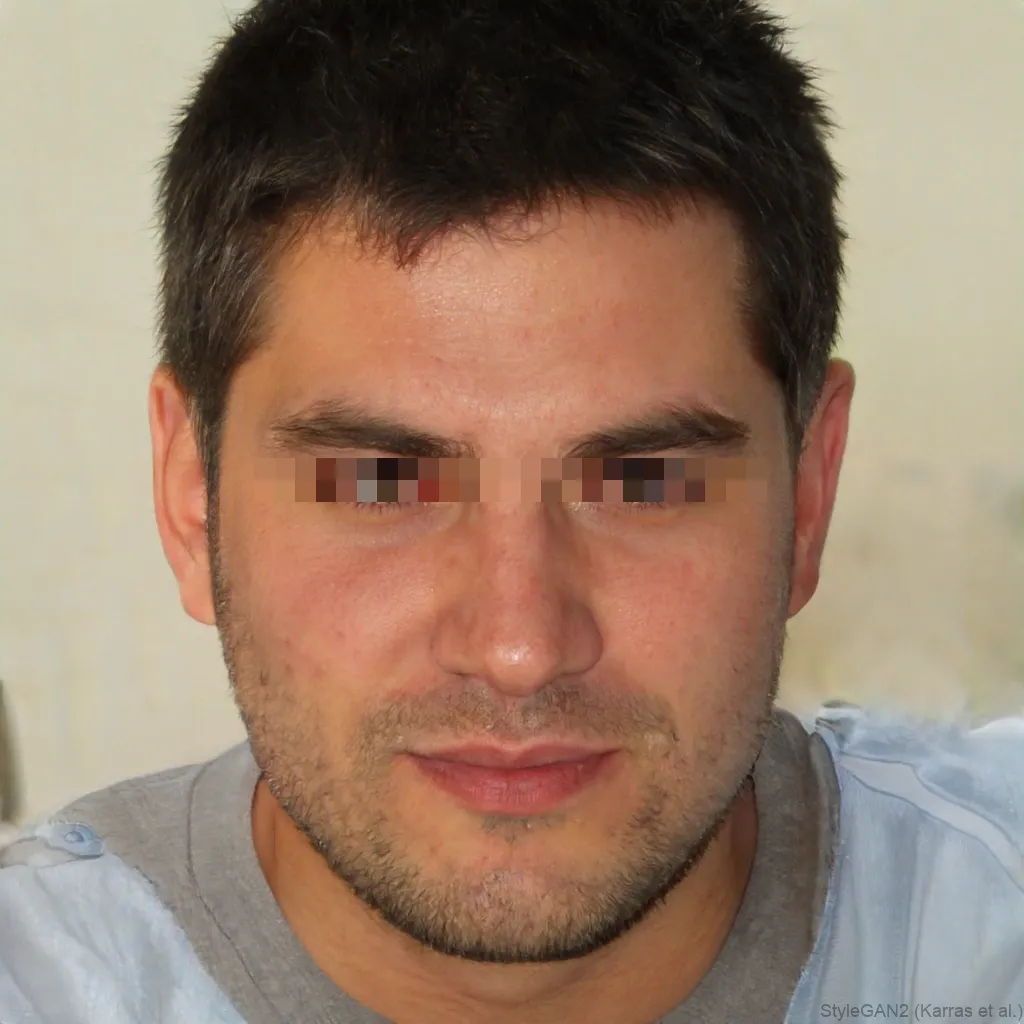
 OriginalAnonymized
Drag to compare · original vs. anonymized
- 1Add a photoDrop or pick an image. It’s opened right in your browser, never uploaded.
- 2Pick area & effectEyes, mouth or the whole face. Blur, pixelate, black bar, emoji and more.
- 3DownloadExport your anonymized image instantly. No account needed to start.
Not just photos
Blur faces in a video, too
Drop in an MP4 or MOV and every face is tracked and blurred across the whole clip, then exported as an anonymised video. No CapCut, no Premiere, no upload.
- Every face, every frame, tracked automatically
- No editing software needed
- Your footage never leaves your device
- Free to try, high quality export
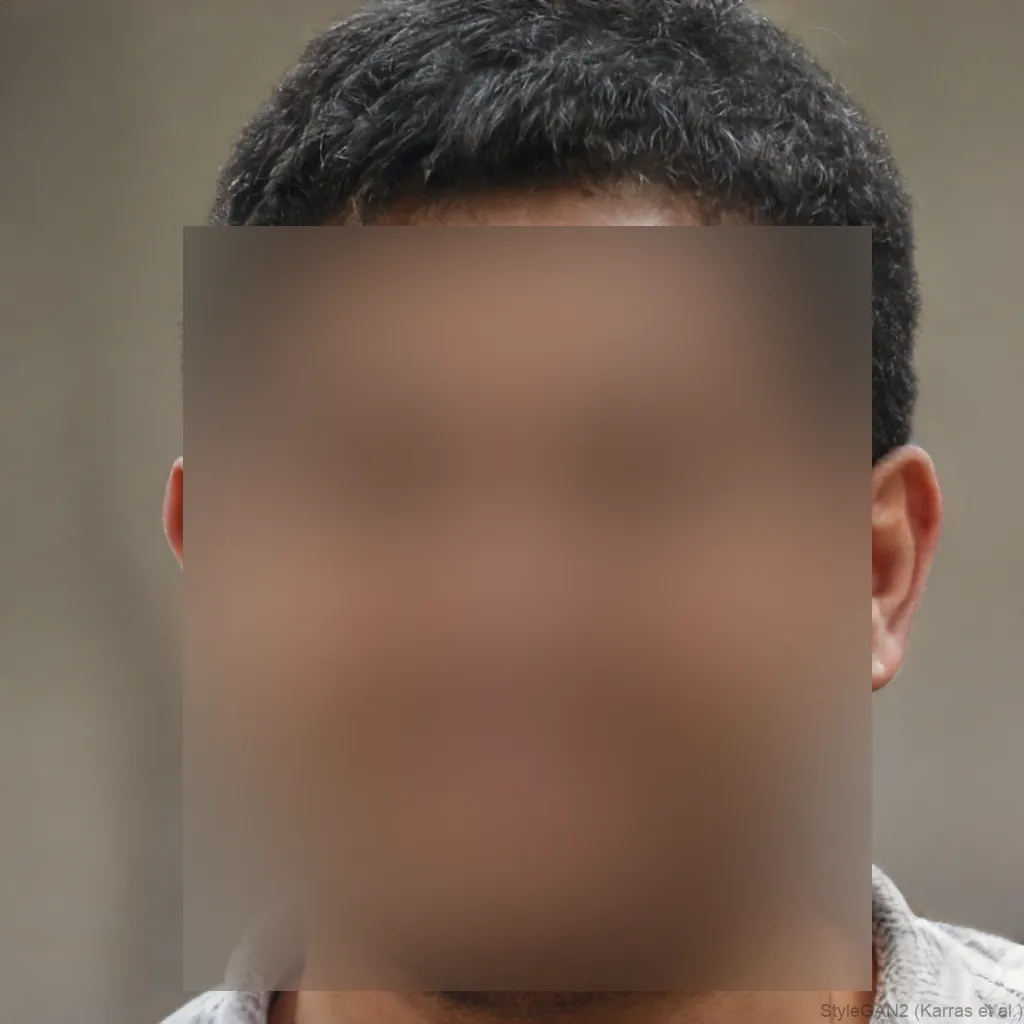 Video · faces blurred
Who it’s for
Built for anyone who values privacy.
Creators & journalists
Protect bystanders and sources before you publish a photo or clip.
Key features
- Whole-face redaction
- Blur, pixelate & stickers
- Batch many photos at once
Everyday privacy
Share family and group photos without exposing anyone who didn’t opt in.
Key features
- Eyes, mouth or whole face
- One click, no sign-up
- Nothing is ever uploaded
Teams & business
Anonymize images and video for GDPR, HR and internal decks.
Key features
- Live camera & video
- Watermark-free HD exports
- Works on every device
Styles
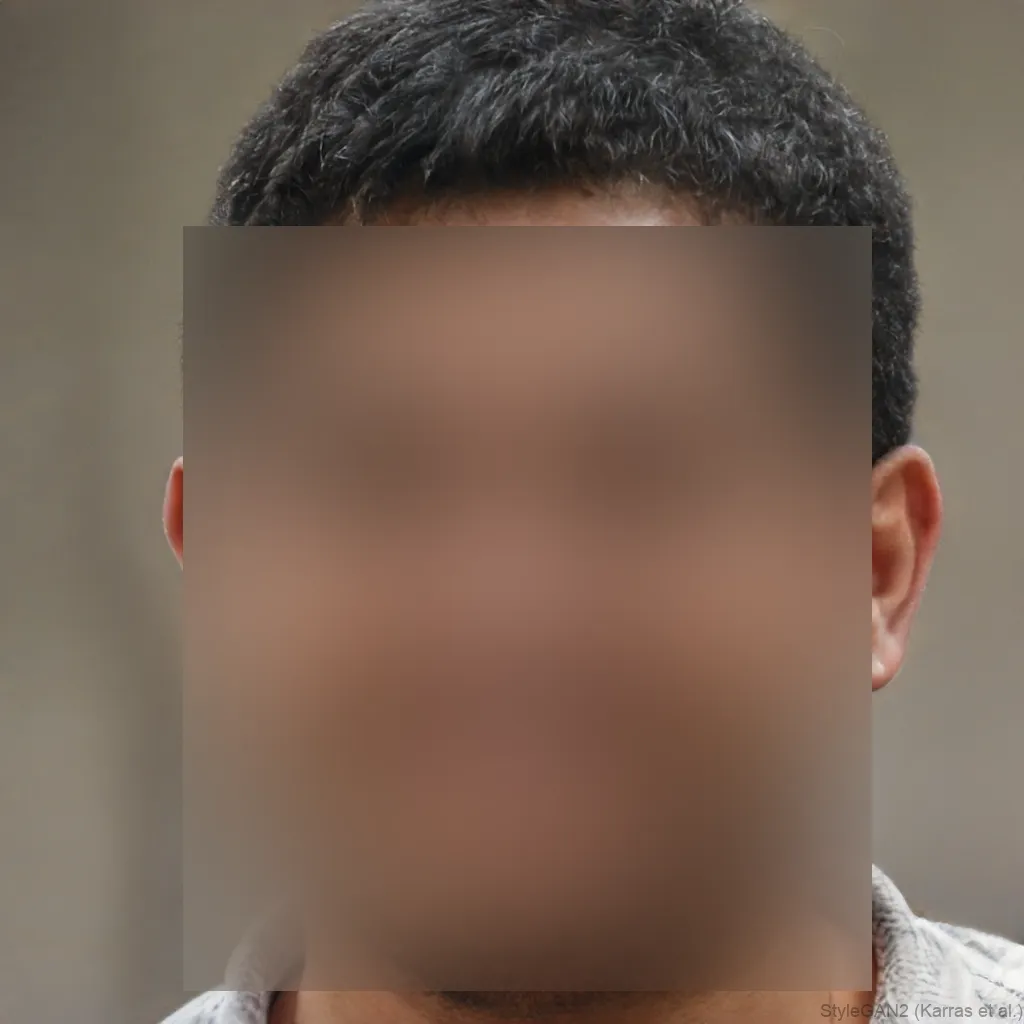
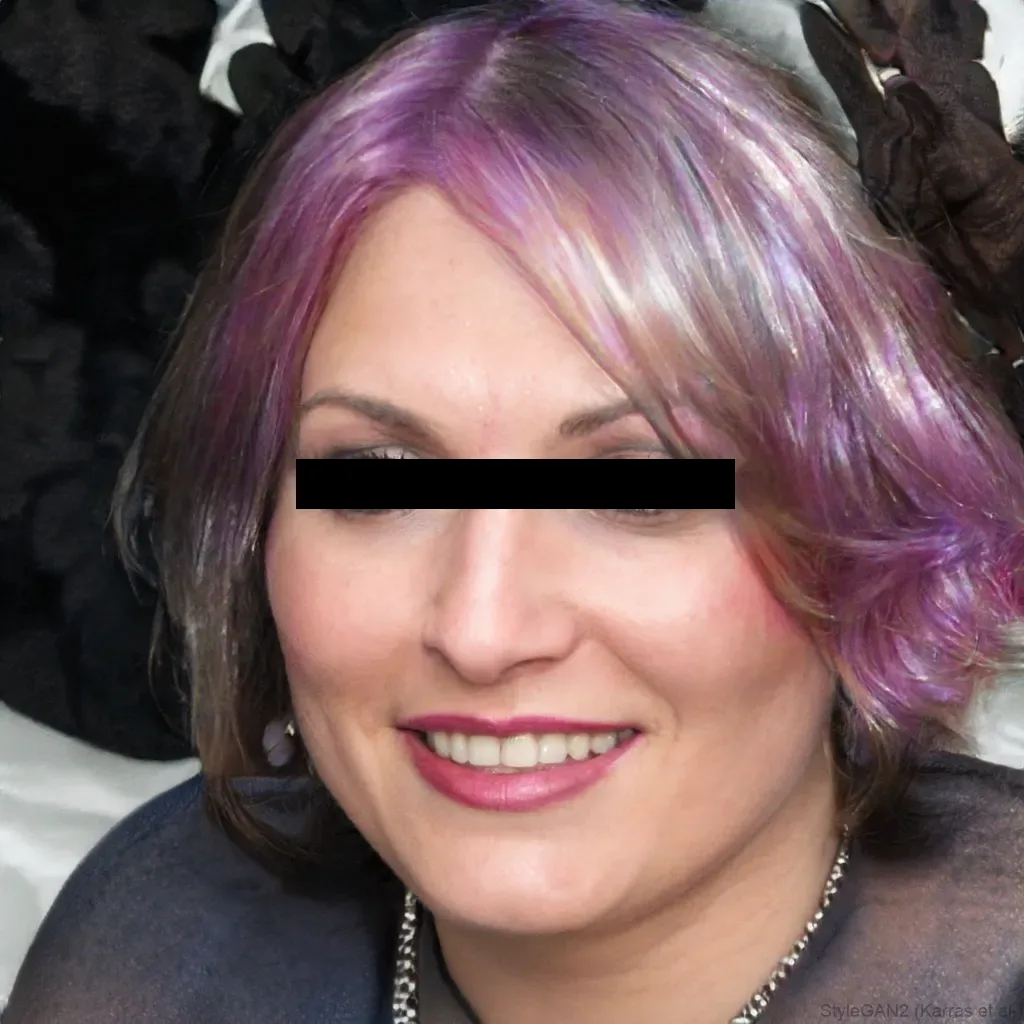
Different ways to hide a face
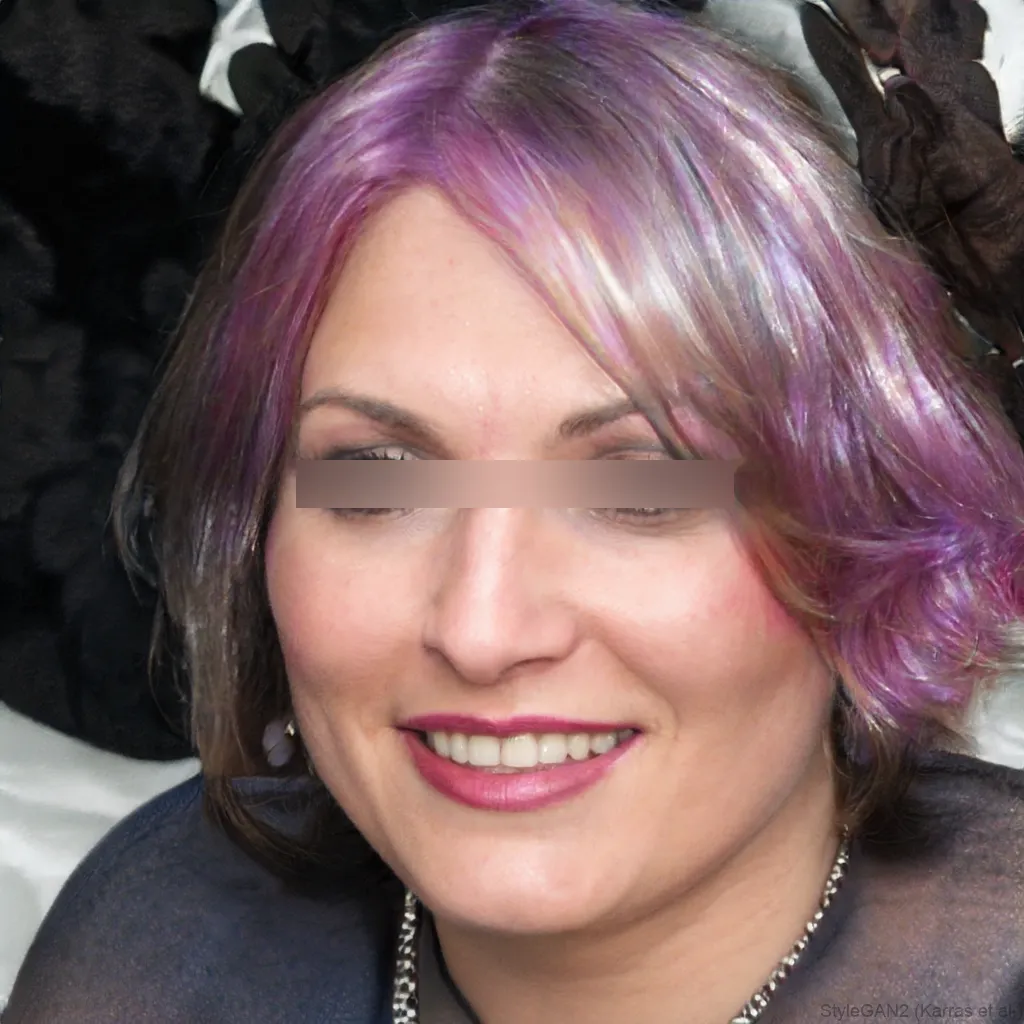
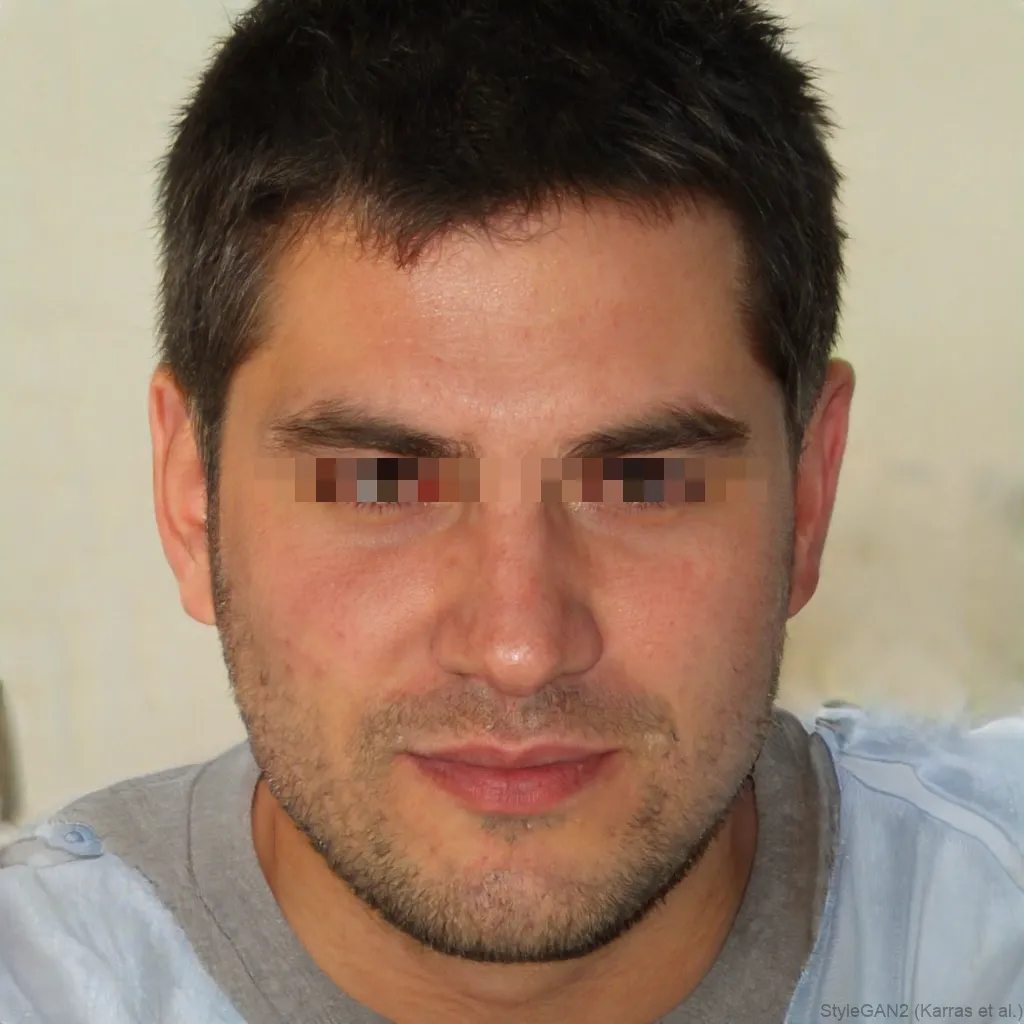
Blur, pixelate, black bar, emoji and more, switch the effect and the area (eyes, mouth or whole face) with one click.

Why blurfacephotos.com
Private by design, unlike most online blur tools.
Most “blur face online” tools upload your photo to their servers. We never do, detection and blurring happen entirely on your device.
Pricing
Free to blur photos. Premium for the rest.
Photos are free, forever. Premium unlocks video, batch and full HD, and drops the ads. No sneaky limits, nothing uploaded.
Free
For everyone, ad-supported.
- ✓Unlimited photo blur, pixelate, censor, redact & emoji
- ✓Up to 5 faces per image, no watermark
- ✓Batch up to 5 photos at once
- ✓Nothing uploaded, no sign-up
Premium
Everything unlocked, no ads.
or $8.99/mo billed monthly
- ✓No ads, ever
- ✓Blur faces in video, unlimited exports
- ✓Full-HD & 4K video export
- ✓Batch unlimited photos and clips at once
- ✓Commercial-use license
- ✓Every effect and area, no limits
API & Business
Anonymize at scale from your servers.
- ✓REST API, pay-as-you-go credits
- ✓Bulk photo and video processing
- ✓Commercial-use license
- ✓Priority support
Free runs on your device, nothing uploaded. Full details on the pricing page.
FAQ
Frequently asked questions.
How do I blur a face in a photo?
Open your image, pick an area (eyes, mouth or the whole face) and an effect (blur, pixelate or a black bar), then download the result. It takes seconds and needs no account, the photo is processed right in your browser.
Is blurfacephotos.com free?
Yes. Blurring, pixelating, censoring and hiding faces in photos is free, with no watermark and no sign-up. Premium (from $4.99/mo) unlocks video export, batch and full HD and removes ads, and a pay-as-you-go API covers bulk and business use.
Can I blur faces in a video?
Yes. The Video tab tracks and blurs faces across every frame and exports an anonymized clip, all locally, with no upload.
Are my photos uploaded to a server?
No. Unlike most online blur tools, face detection and blurring run entirely in your browser. Your images and video never leave your device, which makes it a strong fit for privacy and GDPR.
Can I pixelate or censor a face instead of blurring it?
Yes, besides blur you can pixelate, mosaic, add a black or white bar, noise, colour-invert, or cover the face with an emoji sticker.
What image and video formats are supported?
Images: JPG, PNG, WebP and BMP. Video: common browser formats like MP4 and WebM. Anonymized photos download as PNG and video as WebM.
Does it work on group photos with several faces?
Yes, up to five faces per image or video frame are detected and blurred at once.
More questions? Read the full FAQ →