How to anonymize a photo (blur, pixelate or black out faces)
Remove identifying faces from a picture, blur, pixelate or bar them out, free and entirely in your browser.

 OriginalAnonymized
Drag to compare · original vs. anonymized
Drop photos here, or click to upload
JPG, PNG or WebP · free, no watermark
Every face, unrecognisable
Detects and hides up to five faces in one photo, blur, pixelate or black bar, so no one in the shot can be identified.
Nothing is uploaded
Face detection and blurring run entirely in your browser, so the file never leaves your device, ideal for privacy and GDPR.
Drops the hidden metadata too
The exported PNG is re-encoded from scratch, so the original camera, GPS location and timestamp EXIF data isn’t carried over.
Styles
Different ways to hide a face
Blur, pixelate, black bar, emoji and more, switch the effect and the area (eyes, mouth or whole face) with one click.
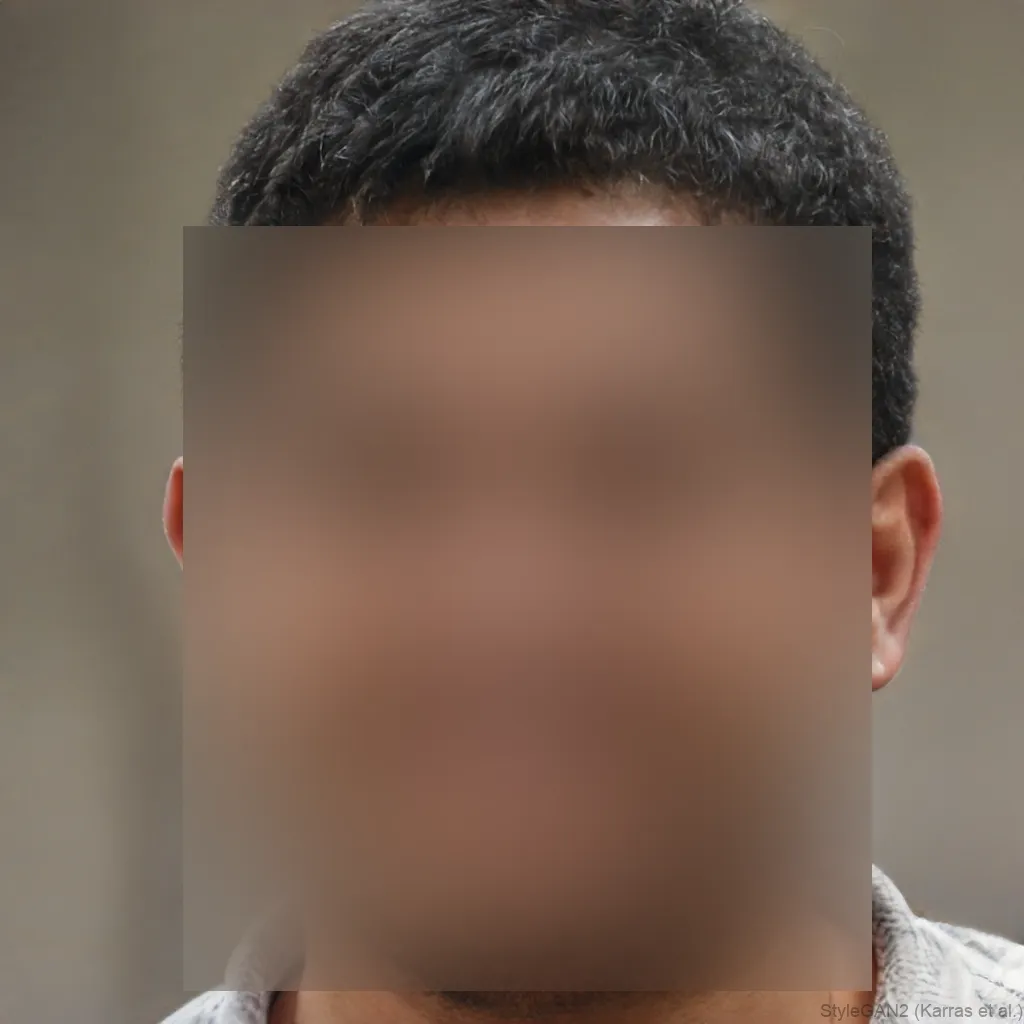

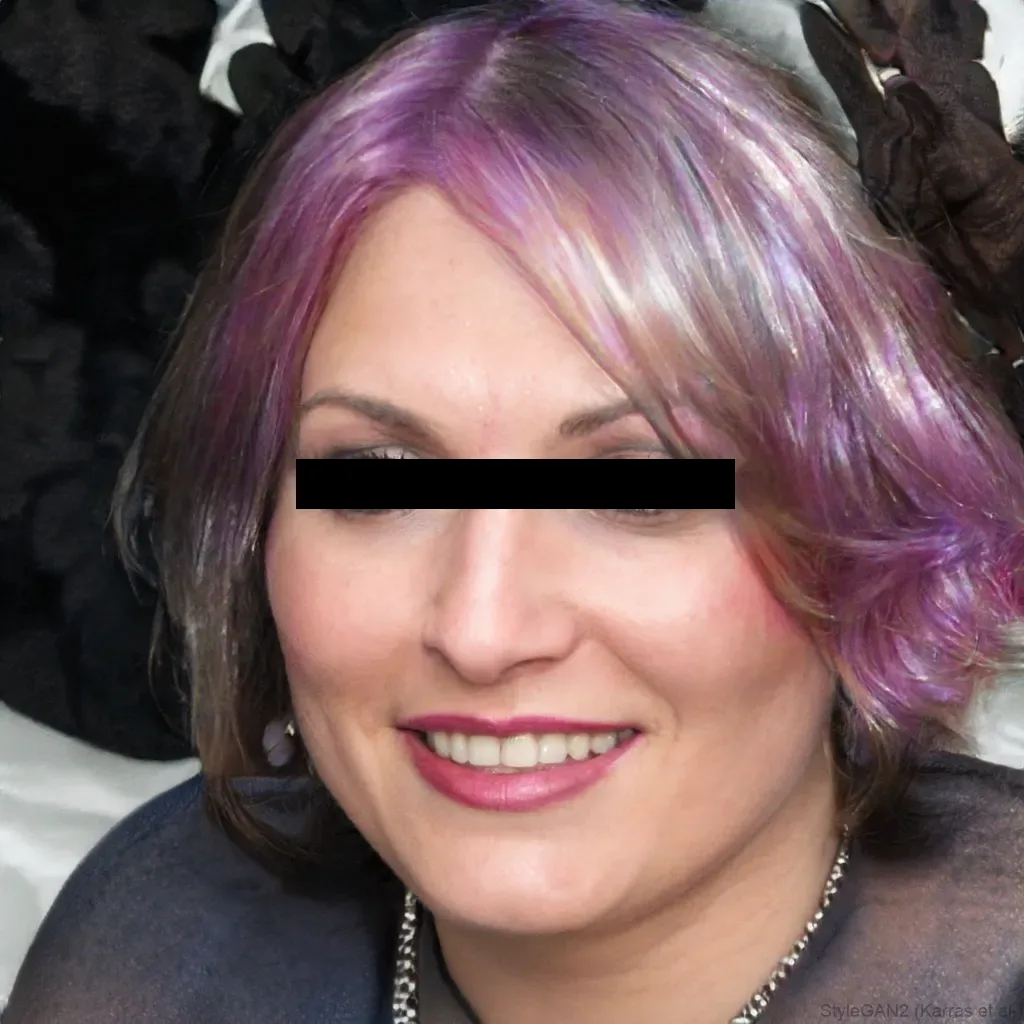
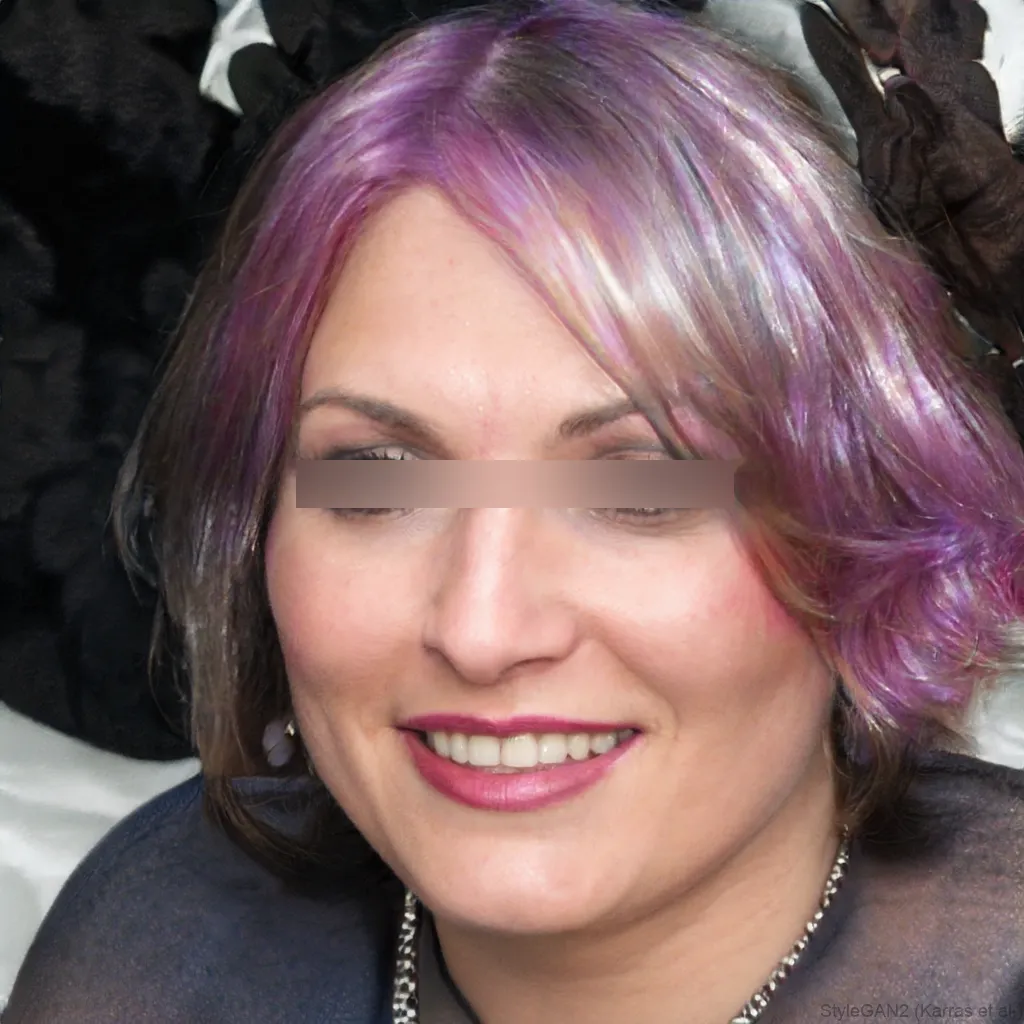
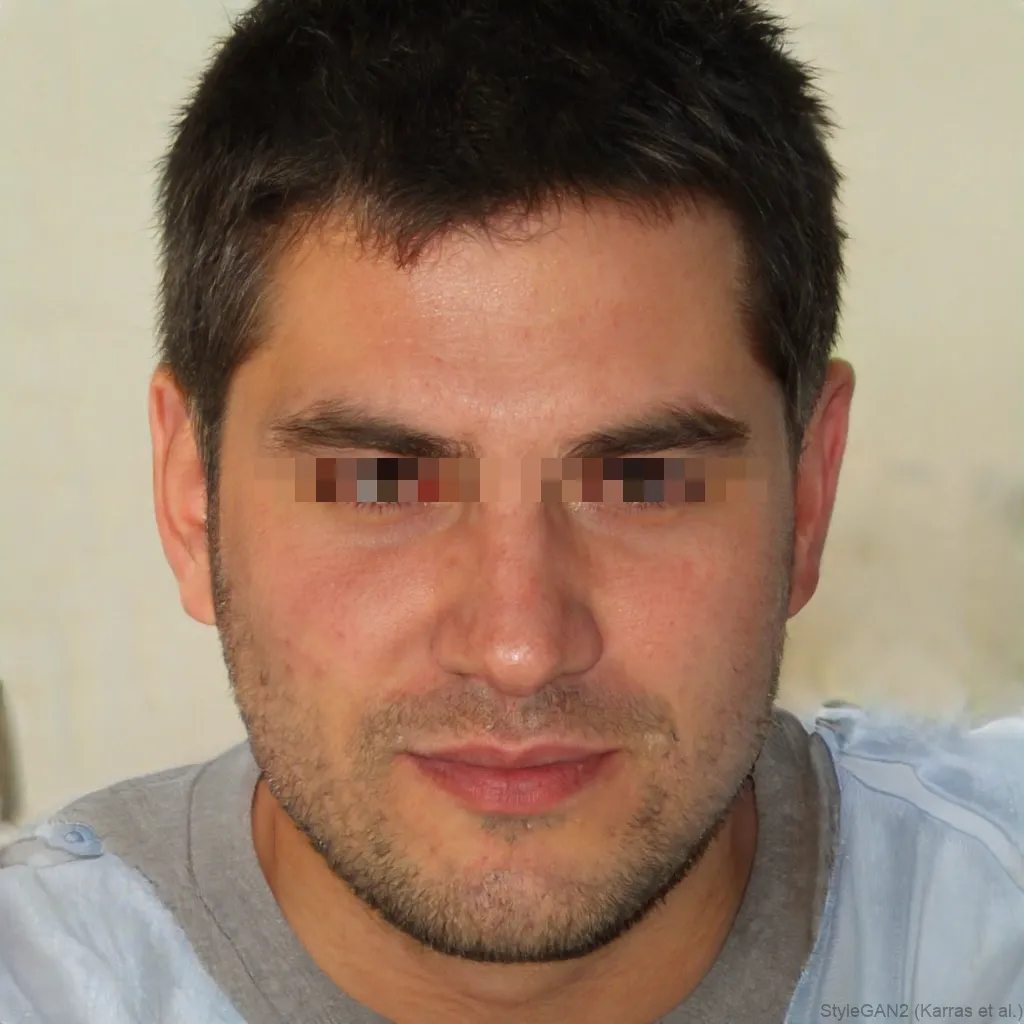
Anonymizing a photo means making the people in it impossible to identify. Faces are the main giveaway, so blurfacephotos.com detects every face and blurs, pixelates or blacks it out, all in your browser. It’s a fast, private photo anonymizer for sharing group shots, publishing research images, illustrating a story, or meeting privacy rules, without uploading the picture anywhere.
A photo anonymizer’s job is to remove identifying information. The face is the biggest, but this tool also drops the hidden EXIF metadata when it re-encodes the image.
What is photo anonymization?
Anonymization is removing anything that ties a photo to a specific person: most obviously their face, but also, quietly, the metadata baked into the file. This tool covers the faces you can see, and because it re-encodes the image on export, the original EXIF (camera model, GPS coordinates, timestamp) isn’t copied into the anonymized PNG.
Anonymize every face in one photo
Group shots are where anonymization matters most. Up to five faces are detected and hidden at once, so you can anonymize a whole crowd, classroom or team photo in a single pass rather than editing each person by hand.
Blur, pixelate or black bar for anonymization
All three make a face unrecognisable; pick by how obvious you want it. Pixelation reads as a deliberately anonymized, dataset-style look. A black bar is the boldest. A strong blur is the most natural. For genuine anonymity, cover the whole face and keep the effect strong, a light blur over a small face can occasionally be undone.
Photo anonymization and GDPR
Under rules like GDPR, a recognisable face is personal data. Anonymizing faces before you publish or share images is a practical way to reduce that exposure, and doing it in the browser means the original, un-anonymized photo is never uploaded to a third party. (General information, not legal advice.)
Anonymize photos in bulk
Got a folder of images to clean up? Batch up to 5 photos at once for free, and Premium lifts the limit entirely, so you can process a research dataset, an event gallery or an archive in one go.
How to do it, step by step
- 1Add your photoDrop a JPG, PNG or WebP into the editor above. It stays on your device, nothing is uploaded.
- 2Hide every faceChoose Whole face and a blur, pixelate or black-bar effect; all detected faces are anonymized at once.
- 3Download the anonymized photoExport the result as a PNG, re-encoded without the original EXIF metadata.
Frequently asked questions
How do I anonymize a photo for free?
Open blurfacephotos.com, add your photo, choose Whole face and a blur, pixelate or black-bar effect, then download. It’s free for a single photo and needs no account.
What is the best photo anonymizer?
The best one is accurate and private. blurfacephotos.com detects faces automatically and runs entirely in your browser, so, unlike server-based anonymizers, your photo is never uploaded.
Does anonymizing a photo remove its metadata?
The exported PNG is re-encoded from the canvas, so the original EXIF data (camera, GPS location, timestamp) is not carried into the new file. The visible faces are hidden by the effect you choose.
Can I anonymize several photos at once?
Yes. Batch up to 5 photos at once for free, and Premium removes the limit, which is handy for datasets and galleries.
Is online photo anonymization private?
With this tool it is, because detection and anonymization happen in your browser and nothing is uploaded. Always check that any tool you use isn’t sending your image to a server.
How do I anonymize faces for a research dataset?
Use Whole face with a strong blur or coarse pixelation on each image, and batch mode for volume. Everything is processed locally, so the source images stay on your machine.
Is anonymizing faces enough for GDPR?
Hiding faces removes the most obvious identifier and is a sensible step, but full compliance can involve other details too. Treat this as a strong first measure, not legal advice.