How to blur faces in a video, free, no upload
Track and blur every face across a clip and export an anonymised video, locally, with no upload and no editing software.
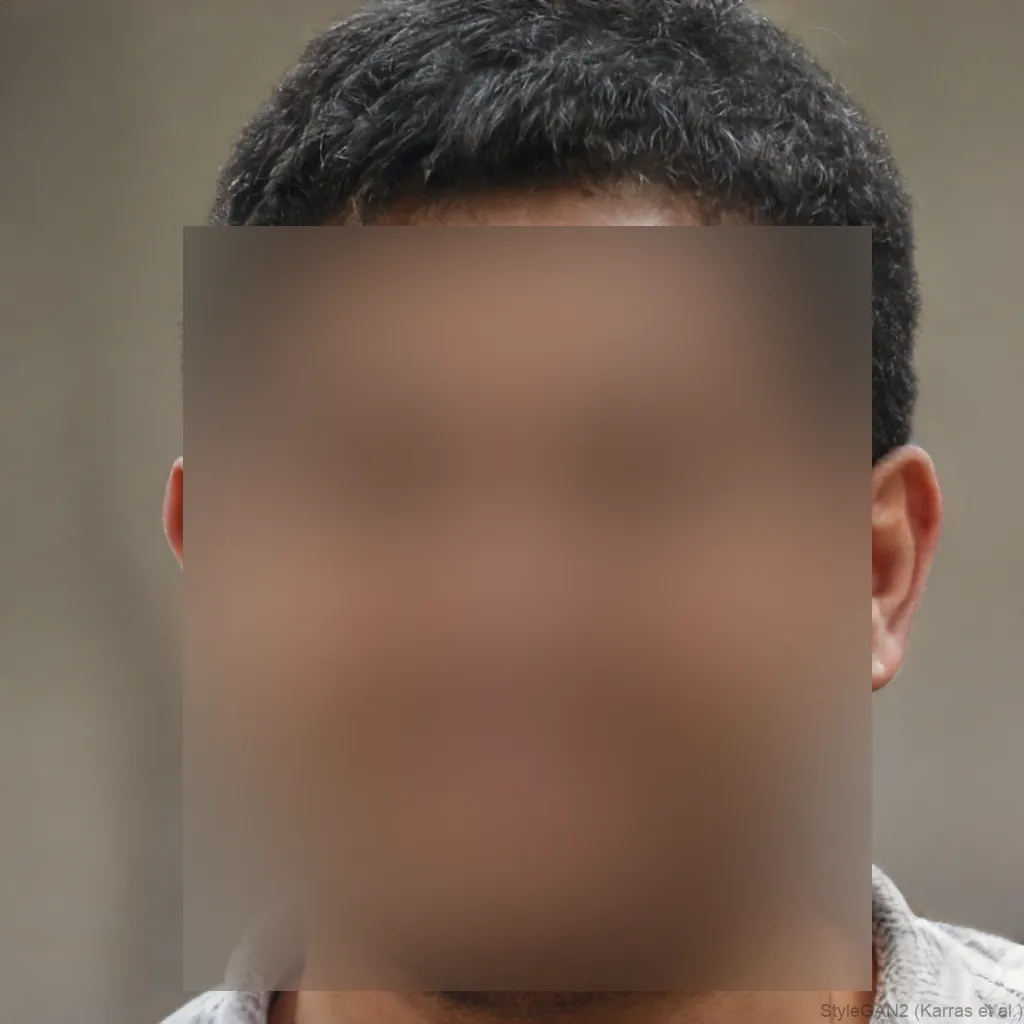
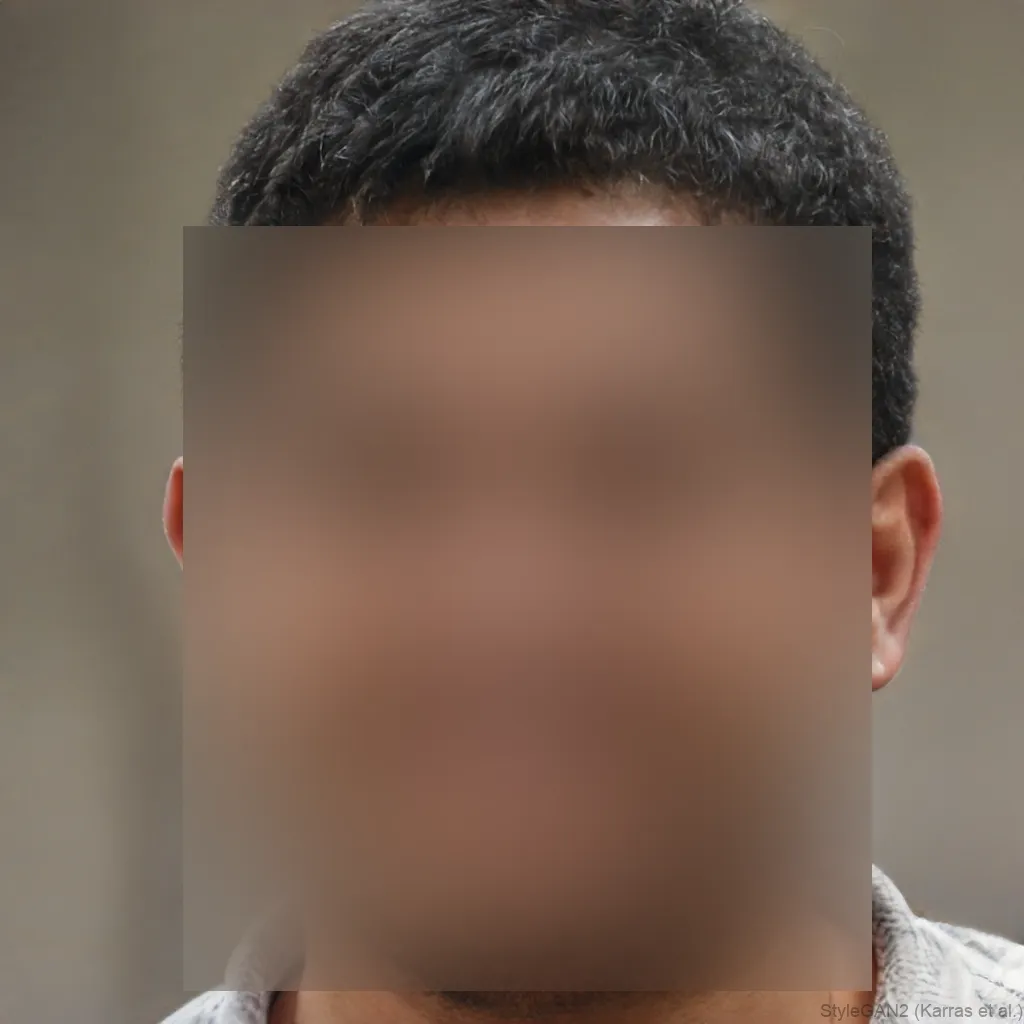
 OriginalAnonymized
Drag to compare · original vs. anonymized
Video export is a Premium feature
Photos and live camera are free and unlimited. Video export renders every frame, so it is part of Premium, from $4.99/mo.
See PremiumEvery frame, tracked
Faces are detected and blurred frame by frame across the whole clip, no manual keyframing.
Nothing is uploaded
Face detection and blurring run entirely in your browser, so the file never leaves your device, ideal for privacy and GDPR.
No editing suite
Skip CapCut, Premiere or DaVinci, process and export an anonymised clip straight from the browser.
Styles
Different ways to hide a face
Blur, pixelate, black bar, emoji and more, switch the effect and the area (eyes, mouth or whole face) with one click.

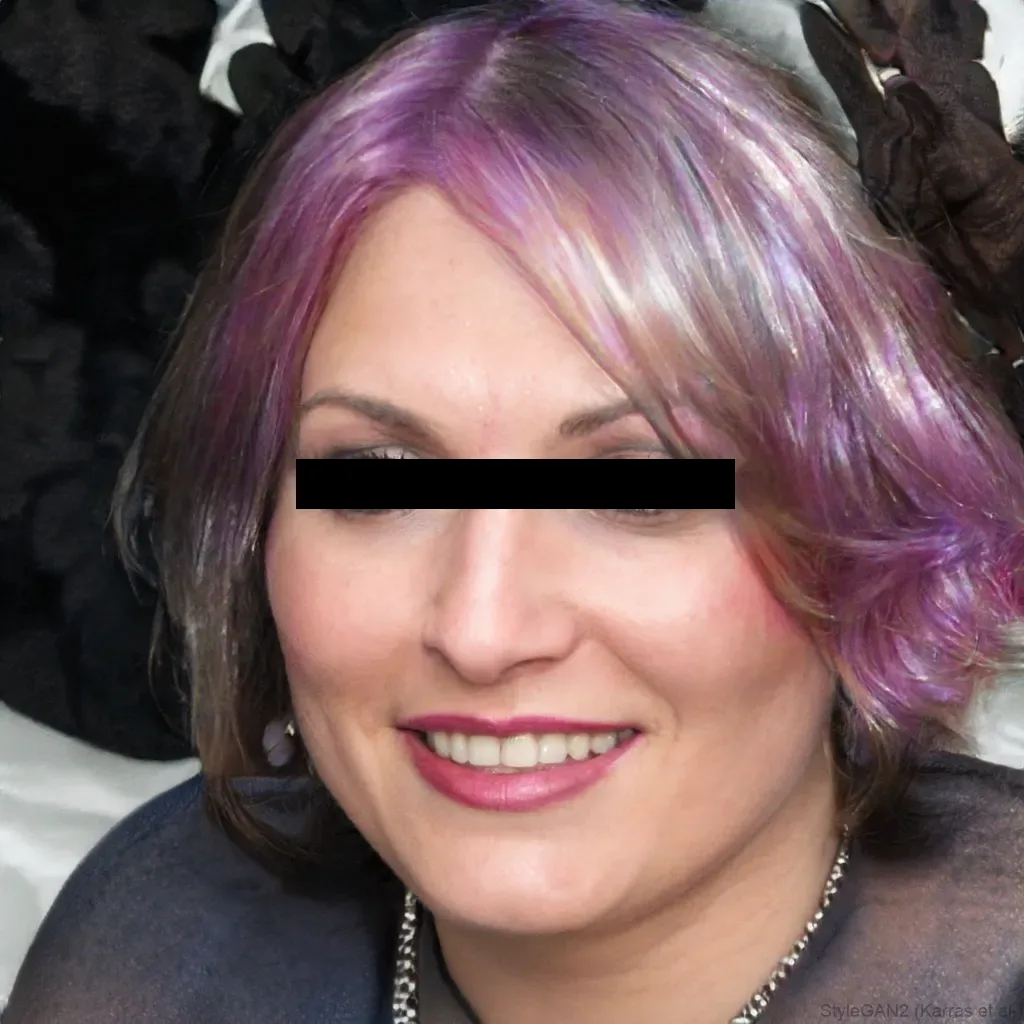
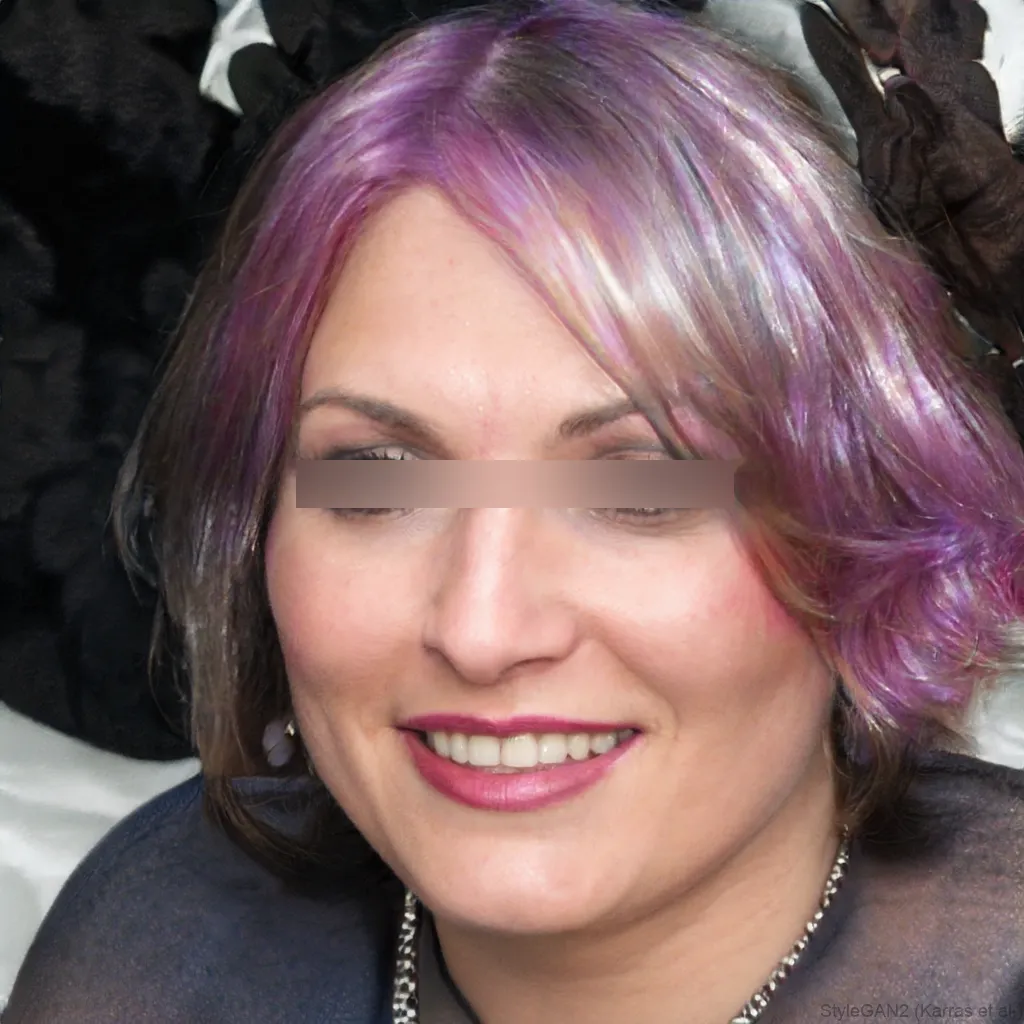
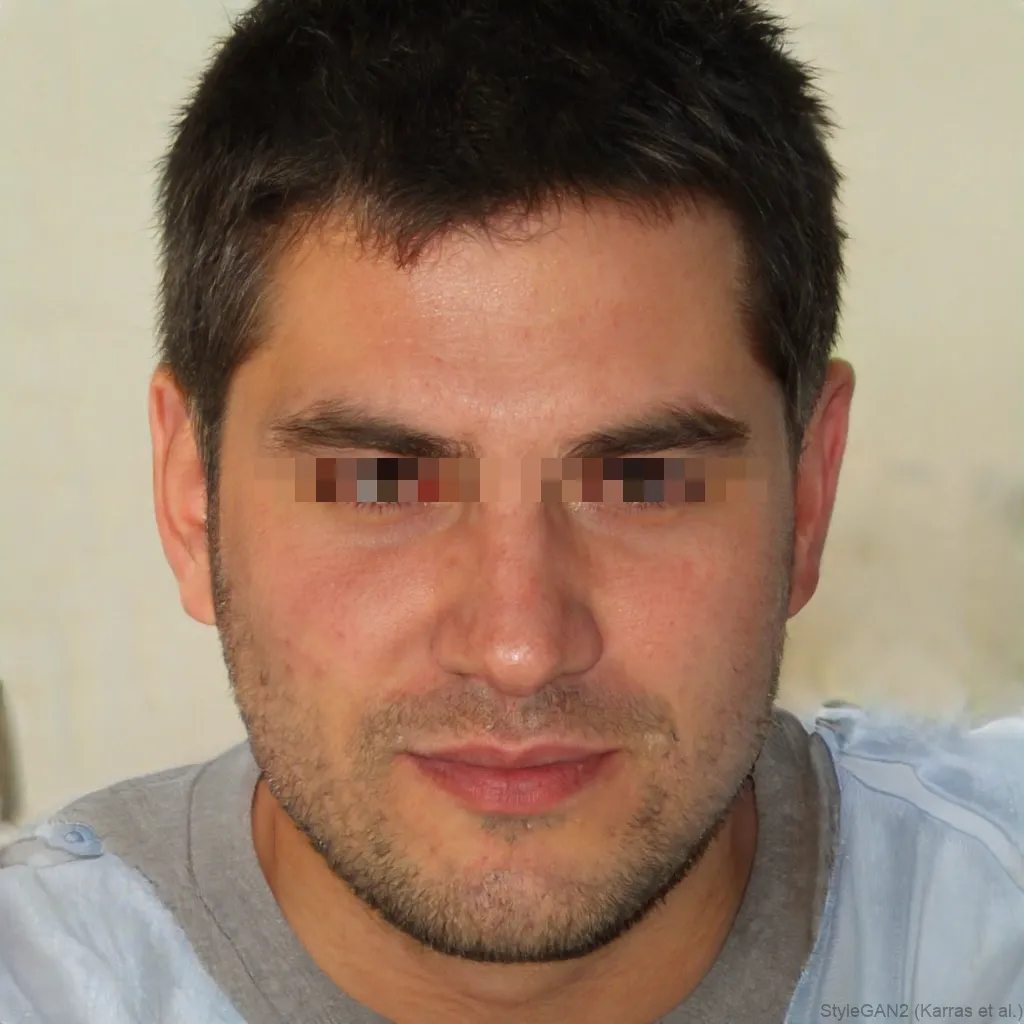
Blur faces across an entire video without editing software. blurfacephotos.com tracks and blurs faces frame by frame, right in your browser, then exports an anonymised clip. Your footage never leaves your device, which makes it a fast, private way to hide bystanders or protect identities before uploading a video.
Editors like CapCut, Premiere or DaVinci Resolve can blur a moving face, but they mean installing software and tracking each face by hand. Here it’s automatic and browser-based.
Why blur faces in a video
- Uploading vlogs, tutorials or street footage that caught bystanders
- Sharing CCTV or dashcam clips without exposing people
- Publishing interviews or testimony while protecting the source
- Posting event or protest video to social media
Blur faces in a video without CapCut or Premiere
Video editors can blur a moving face, but they mean installing software and manually tracking each face across the timeline, slow, and your footage often has to be uploaded. Here, faces are detected and tracked automatically, frame by frame, and the whole thing runs in your browser. It’s closer to a one-click “blur faces in video online” tool, minus the upload.
Tips for a clean video blur
- Use a well-lit clip, faces that are clear on screen track best.
- For maximum privacy, choose Whole face rather than just the eyes.
- Turn up the strength for small or distant faces.
- Multiple faces are handled at once, up to five per frame.
Formats and export
Bring in an MP4, WebM or MOV. The anonymised clip is exported as WebM (video only, no audio), and everything stays on your device throughout.
How to do it, step by step
- 1Open the Video tab and choose a clipPick an MP4, WebM or MOV in the editor above. It plays locally, nothing is uploaded.
- 2Pick the area and effectChoose eyes, mouth or the whole face and a blur, pixelate or black-bar effect for every detected face.
- 3Process & downloadThe clip plays through once while faces are tracked and blurred, then downloads as an anonymised WebM.
Frequently asked questions
How can I blur faces in a video for free?
Open the Video tab on blurfacephotos.com, choose your clip, pick an effect and press Process & download. Photos are free; video export is part of Premium.
Can I blur a face in a video on iPhone?
Yes, it runs in Safari on iPhone, so you can blur faces in a video without a separate app.
Is my video uploaded to a server?
No. Detection, blurring and export all happen in your browser, the video never leaves your device.
What format is the exported video?
The anonymised clip is exported as WebM (video only, no audio).
Does it blur moving faces automatically?
Yes, faces are re-detected on every frame, so a face is kept blurred as it moves around the clip. There’s no manual tracking.
Can I blur faces in a video on Android?
Yes. It runs in Chrome on Android the same way it does on desktop and iPhone.
Can I blur faces before posting to YouTube or Instagram?
Yes, process the clip here, download the anonymised WebM, then upload that version to YouTube, Instagram or anywhere else.